Threads Video Downloader

Download Threads videos in MP4 format with audio. Fast, free, and no login required.

Features of Threads Video Downloader

ThrDown Video Downloader allows you to download videos from supported Threads posts directly to your device. Save videos in clean MP4 format with audio intact, fast and without software installation.

  • ✓
    Highest Available Quality: Save supported Threads videos in crisp MP4 format with synchronized audio.
  • ✓
    Fast & Browser-Based: No app installations or browser extensions needed; works instantly online.
  • ✓
    No Account Required: Download public video posts freely without logging into Threads.
  • ✓
    Universal Compatibility: Seamless performance on iPhone Safari, Android Chrome, Mac, Windows, and Linux.

How to Download Threads Videos

1

Copy the Video Link

Open Threads, find the video post, tap Share and select Copy Link.

2

Paste into ThrDown

Paste the video URL into the input field above and click Download.

3

Save MP4 to Your Device

Select your preferred video download option to save the file directly to your gallery or downloads folder.
Frequently Asked Questions

How do I download a video from Threads?

Copy the URL of the Threads post containing the video, paste it into ThrDown, and choose an available video download.

Is the Threads Video Downloader free?

Yes. You can use it directly from your browser without installing additional software.

Do I need to log in?

Not for supported public video posts. Private videos require you to already have access to the original post.

Can I download Threads videos in HD?

Yes, when an HD version is available for the original post. Available quality varies by source, and ThrDown does not create a higher resolution than the media provided.

What format will the video use?

The format depends on the media available for that post and the download option returned by ThrDown.

Can I download Threads videos on iPhone and Android?

Yes. Use ThrDown in Safari, Chrome, or another modern browser and save the file using your device's normal download controls.

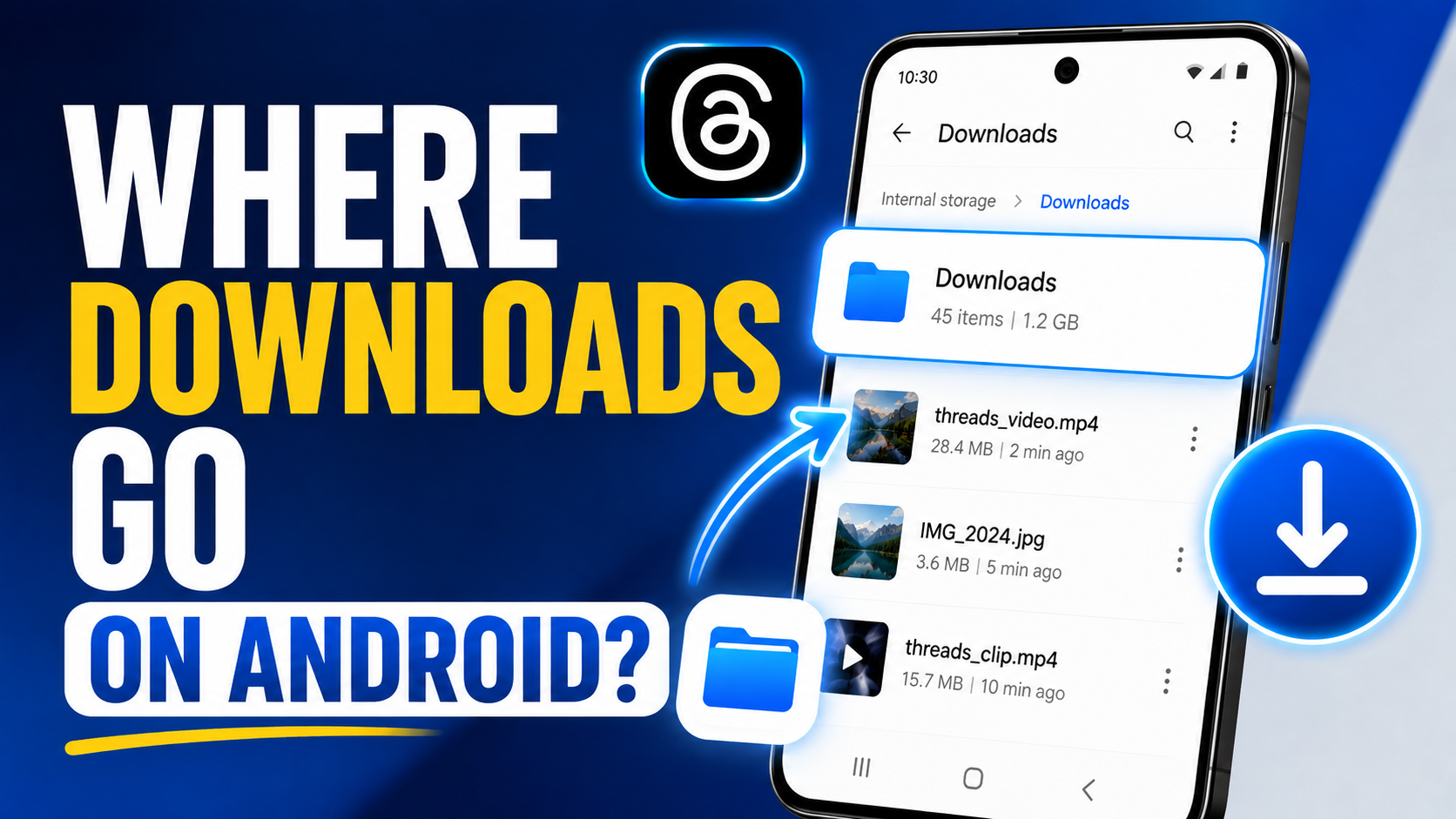
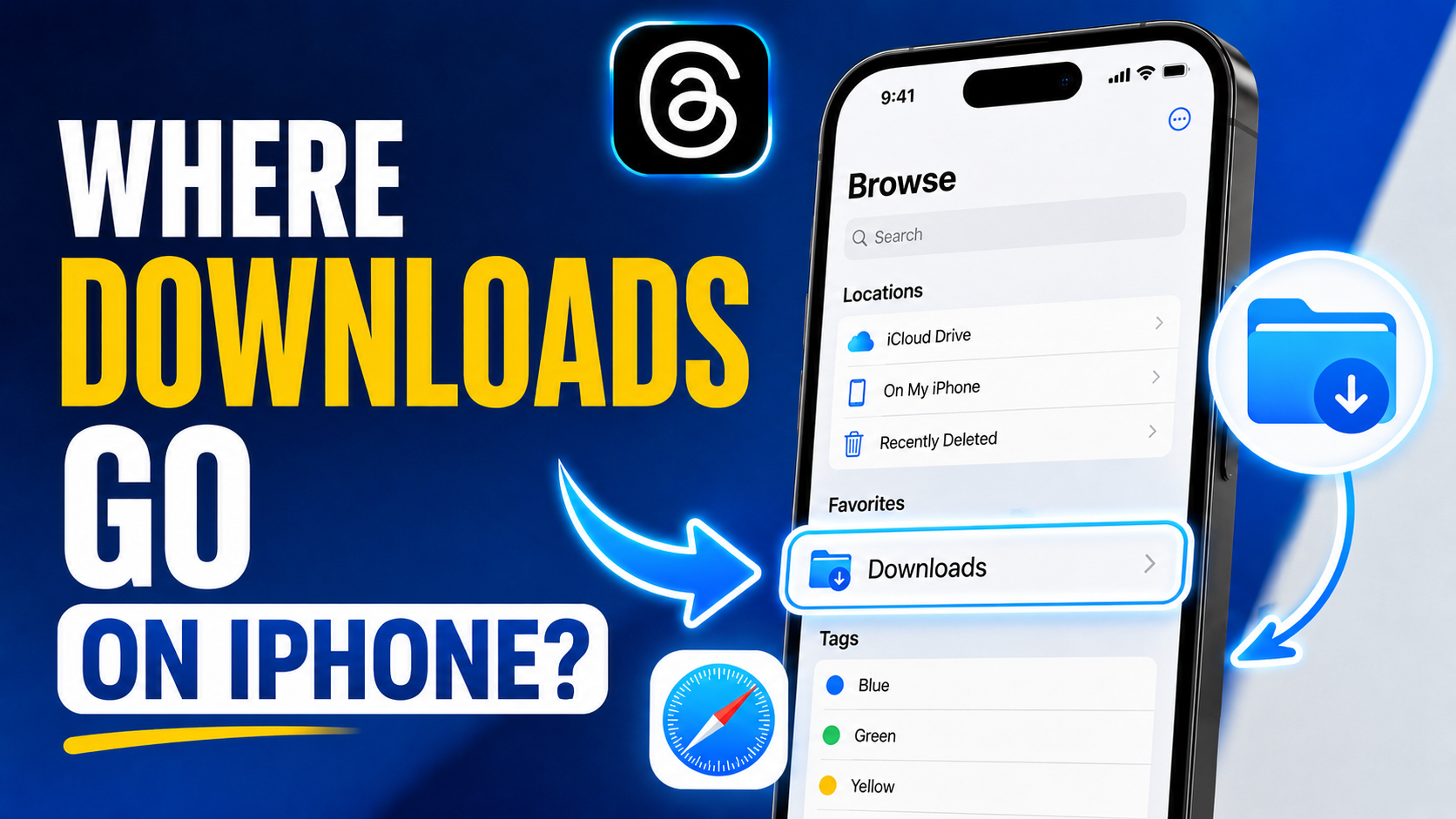
Where is my downloaded video saved?

On desktop and Android, it will usually appear in your Downloads folder. On iPhone, Safari downloads commonly appear in the Files app before you move them to Photos if needed.

Why is a Threads video unavailable?

The URL may be incorrect, the post may be private or deleted, or its video may not currently be supported. Check that the original Threads post still opens normally and try the link again.