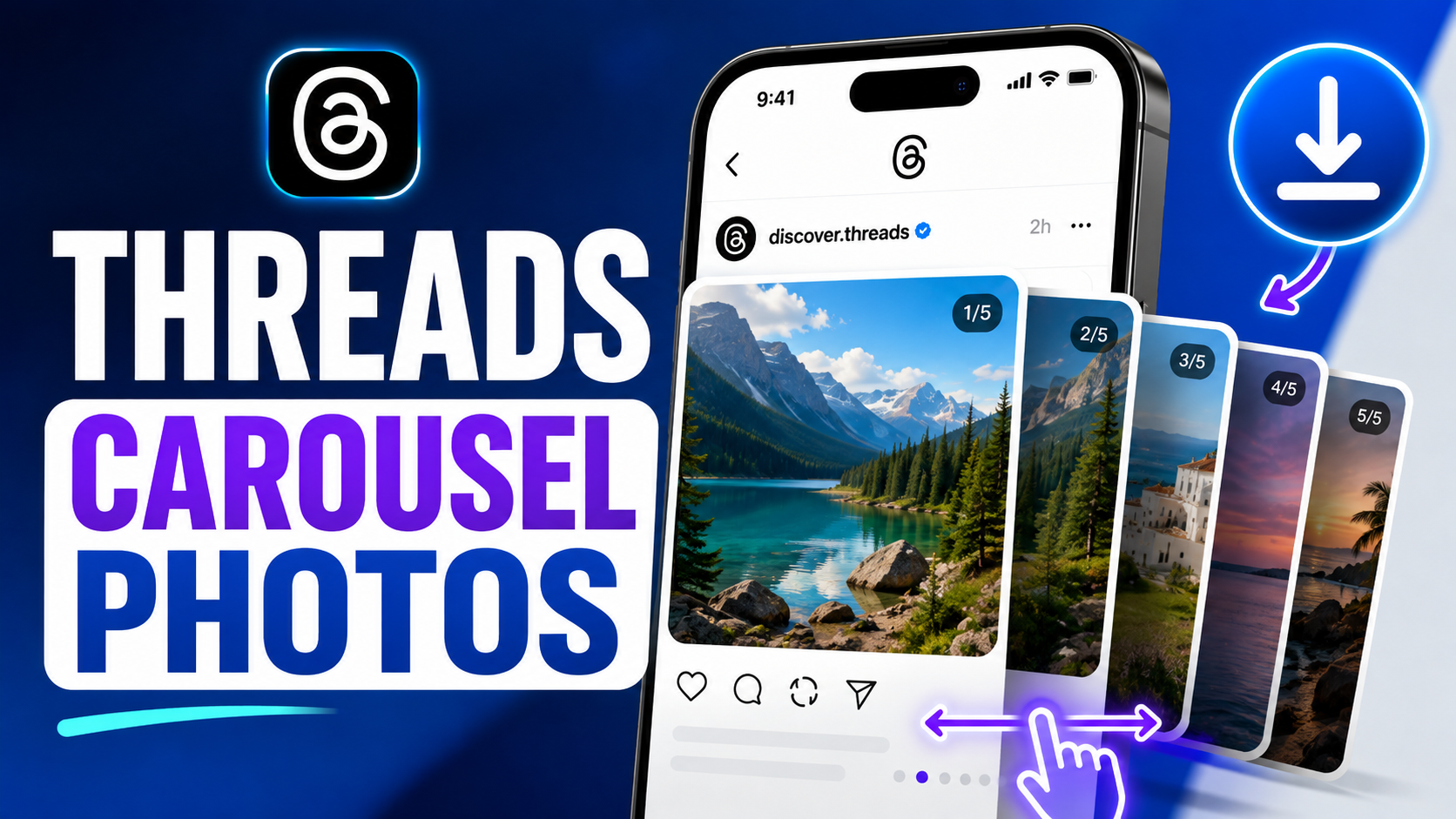
Threads Photo Downloader

Save high-resolution photos and carousels from Threads directly to your device.

Features of Threads Photo Downloader

ThrDown Photo Downloader enables you to save single images and multi-photo carousel galleries from Threads in their highest available resolution without screenshot compression.

  • ✓
    Single & Carousel Posts: Extract individual pictures or full carousel albums effortlessly.
  • ✓
    Full Resolution Clarity: Save images in high clarity with authentic colors and aspect ratios.
  • ✓
    No Screenshot Cropping: Get direct image files without phone borders or screen clutter.
  • ✓
    Instant & Unlimited: Download as many public Threads photos as you need, completely free.

How to Download Photos from Threads

1

Copy the Photo Link

Open Threads, tap Share on the photo post and select Copy Link.

2

Paste into ThrDown

Paste the URL into the search field above and click Download.

3

Save to Camera Roll / PC

Click the download button for each photo to save it directly in high resolution.
Frequently Asked Questions

How do I download a photo from Threads?

Copy the Threads post URL, paste it into the Photo Downloader, and save one of the available images.

Can I download multiple photos from one Threads post?

Yes. If ThrDown detects multiple supported images, it can display them as separate download options.

Does it work with Threads carousels?

Yes, for supported multi-image posts. The number of photos available depends on the original post.

What image quality will I get?

ThrDown aims to provide the highest available supported image quality for the submitted post. The exact resolution can vary between images.

Are the downloaded photos the original uploads?

Not necessarily. Threads may serve processed versions of an image, so ThrDown does not promise the untouched original upload.

What image format will I get?

The format depends on the image available from the source post. Different posts may return different supported image formats.

Do I need to log in?

Not for supported public photo posts. Private images require you to already have access to the original post.

Why can't ThrDown find the photo?

Check that you copied an individual post URL and that the post is still accessible. Private, deleted, or unsupported posts may not return an image.