
Where Do Threads Downloads Go on Android?
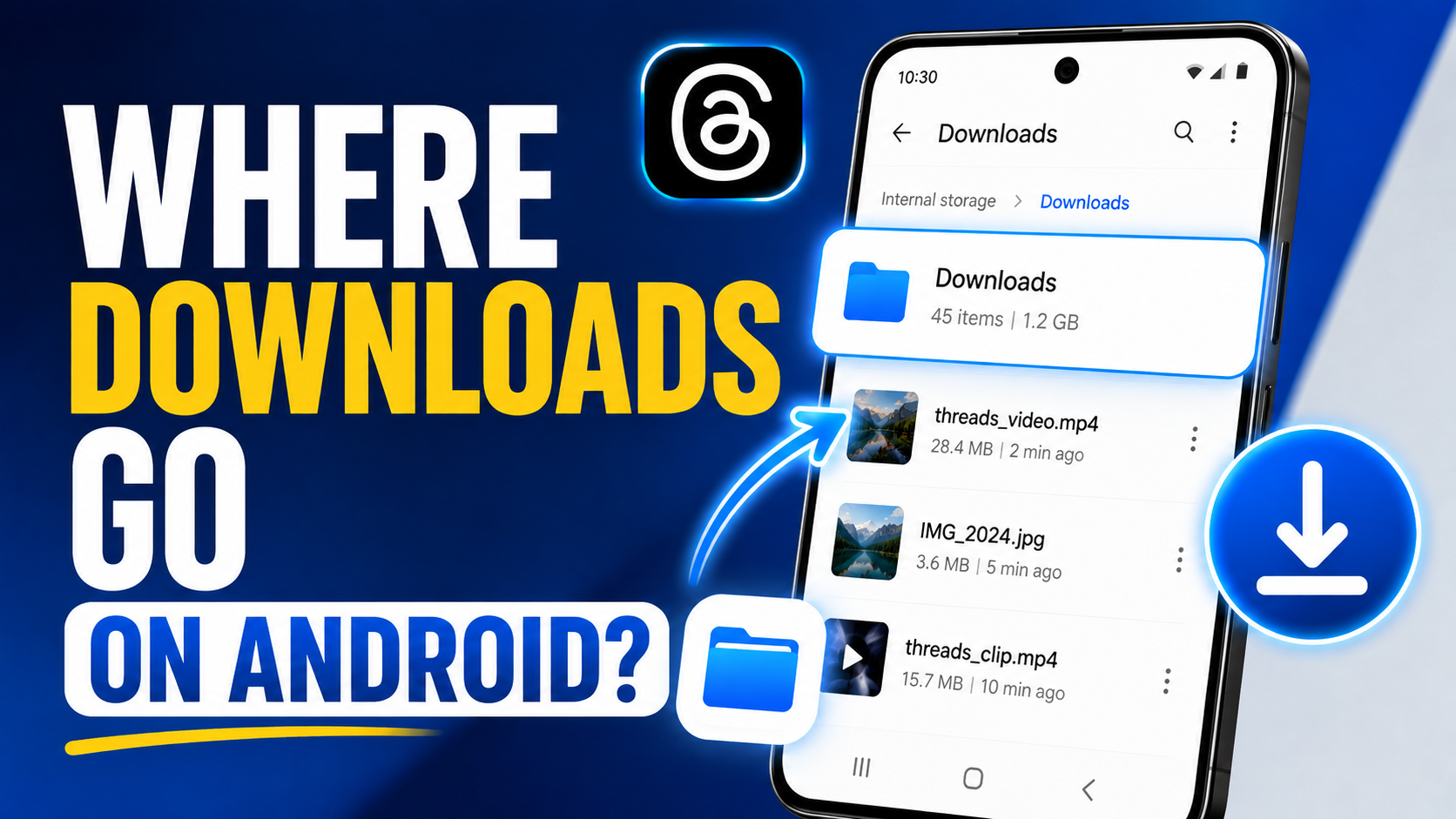
If you downloaded a Threads video or photo in Chrome and cannot find it, check Chrome → Downloads and your phone's Files app. Google documents that Chrome saves downloaded files to the device's default download location and that downloaded files can be found through the Files app.
A file can exist in Downloads even if your Gallery app has not shown it yet.
Quick answer: Open Chrome, tap More → Downloads. If the file is listed, tap it to open or locate it. You can also open your device's Files / My Files app and look in the Downloads folder.
Start with Chrome's Downloads List
Chrome keeps a list of files downloaded through the browser.
To check it on Android:
- open Chrome;
- tap More;
- open Downloads.
If your address bar layout is different, Chrome may expose the Downloads control through a slightly different gesture or menu location, but the Downloads view remains the key place to check.
This is often faster than searching the whole phone because it confirms whether Chrome actually completed the transfer.
Then Check the Files App
Google's Chrome help directs Android users to the Files app to find downloaded files.
Depending on your phone manufacturer, the app may be called:
- Files;
- Files by Google;
- My Files;
- File Manager.
Open the Downloads folder and sort by recent date if necessary.
Why a Video May Not Appear in Gallery
Gallery apps do not always display every downloaded file immediately.
Possible reasons include:
- the Gallery app has not indexed the folder yet;
- the file is stored in a folder the Gallery does not scan;
- the file is incomplete or unsupported;
- the browser saved it correctly but the Gallery has not refreshed.
The best test is to open the file from Chrome Downloads or your Files app. If it plays there, the download itself succeeded.
Why a Photo May Be in Downloads but Not Gallery
The same principle applies to images.
Open the downloaded image in your Files app. If it displays correctly, you can move or copy it into a folder that your Gallery uses if you want it organized with your other photos.
Do not redownload the Threads post just because Gallery did not update immediately.
How ThrDown Downloads Fit into This
When you use the Threads Downloader, ThrDown handles the media lookup and your browser handles the actual file save.
That means two separate things can go wrong:
- ThrDown cannot resolve the media — a source/link/access problem.
- The browser saved the media but you cannot find it — a file-location problem.
Checking Chrome Downloads tells you which side of the process you are dealing with.
What If Chrome Shows “Failed”?
If the download entry failed:
- confirm the Threads post still opens;
- check your network connection;
- verify the device has free storage;
- retry the download once;
- if the same post fails repeatedly, test another supported public post.
If other posts work, the issue is likely specific to the first post. If everything fails, investigate browser, network, or a broader tool/platform issue.
What If the File Has a Strange Name?
Downloaded media does not always receive a human-friendly filename.
Use:
- download time;
- file size;
- thumbnail/preview;
- file type;
- the Chrome Downloads history
to identify it.
Once you confirm the file is correct, rename it from the Files app if you want a clearer local archive.
Do not change the extension just to make a file look like another format. Renaming .something to .mp4 does not convert the media.
How to Keep Threads Downloads Organized on Android
If you download media regularly for legitimate reference, move the files you intend to keep out of the generic Downloads folder.
For example:
- create a
Threads Referencefolder; - move confirmed videos and images there;
- delete failed files and duplicates;
- use descriptive filenames when helpful.
This prevents Chrome Downloads from becoming a list of indistinguishable files.
What If You Use Samsung Internet or Another Browser?
The exact menu labels may differ, but the troubleshooting logic is the same:
- check that browser's download history;
- open the device's file manager;
- look in the configured download folder;
- verify the file opens before retrying.
The browser is responsible for the save location, so do not assume every Android browser behaves exactly like Chrome.
Public and Private Post Downloads
A file-location guide only applies after a download actually starts.
If the post is private or otherwise inaccessible to the normal public downloader, you may never reach the file-save stage. Use ThrDown's private workflow only for content you are already authorized to view.
Troubleshooting by Symptom
| Symptom | What to check |
|---|---|
| Chrome shows completed download | Tap it, then locate via Files if needed |
| Chrome shows failed | Network, storage, source post, retry once |
| File plays in Files but not Gallery | Gallery indexing/folder location |
| No download entry at all | Browser prompt, button action, source lookup |
| Multiple copies | Stop retrying; sort by date and keep one good file |
FAQ
Where does Chrome save Threads downloads on Android?
Chrome saves files to the device's default download location. Check Chrome's Downloads view and your Files app.
Why can't I see the video in Gallery?
The file may still be in Downloads or the Gallery may not have indexed it yet. Open it from Files first.
Can I find downloads without knowing the filename?
Yes. Use Chrome's Downloads history or sort the Downloads folder by recent date.
Is the file stored in Google Drive automatically?
A normal Chrome download is not automatically uploaded to Google Drive. It remains in the device's configured download location unless you move or upload it yourself.
Download Threads Media on Android
Use ThrDown's Threads Downloader for a supported post, then check Chrome Downloads and the Files app to verify where the browser saved it.
Respect copyright, privacy, and creator rights when keeping or reusing downloaded media.